Retina images in email: sizes, formats and file weight
How to make email images sharp on high-density screens without bloating the email: 2x sizing, formats, compression and alt text.

To keep images crisp on high-density screens, export at roughly twice the display size, set the width attribute to the display size, compress hard and keep key messages in live text rather than baked into pictures.
The 2x rule
If an image displays at 600px wide, export it at 1200px wide and set width="600" on the tag. Phones and many laptops then render it sharply. Do not ship 3x or 4x versions of every asset; the weight is rarely worth it.
Formats
- JPEG for photography.
- PNG for flat graphics and logos needing transparency.
- GIF for simple animation, see GIFs in email.
- WebP and AVIF are not universally supported in email clients, so check support before relying on them.
Keep weight sensible
Compress images and keep the total weight of an email modest so it loads quickly on mobile data. Slice only when necessary; avoid cutting one design into many tiny images, which can break and trigger spam filters.
Never bake the message into an image
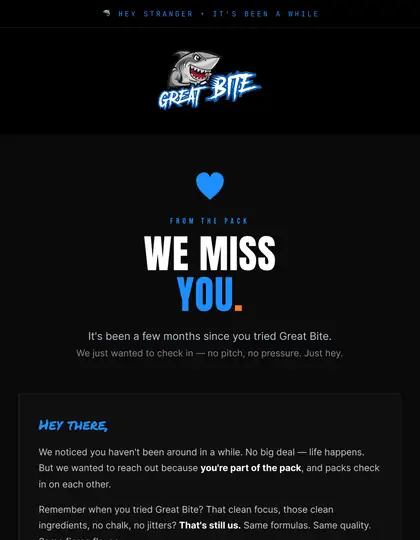
If a client blocks images, an image-only email shows nothing. Keep headlines, offers and buttons as live text with proper alt text on every image.
Dark mode and logos
Transparent PNG logos can vanish on dark backgrounds. Provide a version that works on both; see dark mode design.
How EmailDesign helps
This is what our hand-coded builds handle for you: table-based HTML, Outlook fixes, dark mode and tests across 60+ clients before anything is sent. See HTML email development, or pricing for fixed quotes from £95 per email.





Should I use SVG in email?
Support is inconsistent across clients, so use PNG or JPEG for production emails.
What file size is too big?
There is no single limit, but keep emails light enough to load fast on mobile and avoid very large images.
Do I need alt text on decorative images?
Use empty alt text for purely decorative images and descriptive text for meaningful ones.
Why do my images look blurry?
They are probably exported at display size or have been scaled up. Export at 2x.
Can you build this for us?
Yes. EmailDesign designs and hand-codes emails for UK brands from £95 per email, tested across 60+ clients and set live in your platform.
Ready when you are.
Tell us what you're sending and where — fixed quote within one working day.